The best option for building a website – code-editor or a drag-and-drop builder

If you are looking for a software or application to build a website, you will find that a wide range of builders is available online. Out of these, some are of the code-editor kind and some are the drag-and-drop kind. To elaborate a bit more –

 Drag-and-drop builders provide standard, ready-made templates, and elements which you can simply drag and drop on to create your web page designs, without having to write any code.

 Code-editor website builders provide the option to add your own code and create your own design, customized to your preferences.

One advantage of using the drag-and-drop builder with ready-made templates is that you won’t need to learn and do any coding, as all required components are polished and given, and can be implemented. This could be a good option for personal and casual blogs or websites, but a business website will demand higher quality customizable content.

But there is a downside to this. Drag-and-drop builders have only a bunch of ready-made templates and elements, and they mostly don’t have any strategies to enable customization of the design, so chances are the website you create may look somewhat similar to some other existing ones, that might have been made using the same software. This is not desirable, especially for a business website, because most of the existing successful business websites have a unique look and content, customized to the corresponding business’s products or services.

To create a fully customized and unique design, it is advisable to go for the online website builder software that provides a code-editor option, wherein you can add your own HTML (and CSS) code.

Now, there are few online website builders that provide both these options, viz, code-editor and drag-and-drop elements, but there is a downside to these two because of the drag-and-drop feature, which is that builders providing templates and drag-drop elements sometimes restrict or limit search engine optimization (SEO) and Web Analytics, which are highly important for the performance of a website. The automation processes set up to enable the dragging and dropping in this censor Google Analytics, and other similar tools, which as a result cannot be integrated with them.

The site that you create using such software hence will need to be constantly monitored and updated with these features later, which is complicated. For these reasons, any builder having the drag-and-drop option can be considered a very limited tool.

An exclusive HTML builder software does not provide drag-and-drop options; it just provides a space or platform to add HTML and CSS code and create your web page design. Such a website builder software overcomes that issue – the SEO and analytics will not have any limitations in a code-editor website builder.

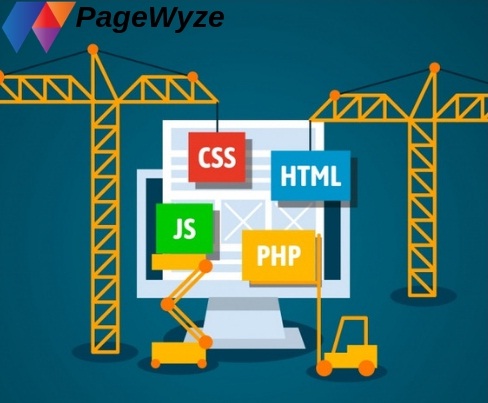
Now, creating a design by writing HTML and CSS code is not exactly rocket science for someone with little or good knowledge of these languages, like a professional web developer or designer working for a company or business for its official website.

If you belong to this category, using an HTML builder software and creating your website should be a piece of cake for you.

And if you don’t belong to this category, i.e, if you are someone without much or any technical knowledge, and trying to build your website using an HTML builder software, you’ll need to learn a bit of HTML(and maybe CSS).

HTML is short for “Hypertext Mark-up Language”. The meaning of this can be explained as follows:

-HyperText is a method by which we can move around on the web, by clicking on special text (or images) called hyperlinks which brings us to another page.
-Markup is the marking or highlighting of the text inside HTML ‘tags’ (these are further discussed), to make them look different so that they are easily identified.
-Language, because HTML is a programming language, that has syntaxes, and code words like any other language.

HTML is not very difficult, even for a non-technical person to learn and implement. It consists of a series of ‘tags’. Implementing these on a code-editor platform, you can easily create a design for your web pages. So if you create your website entirely using the coding option, it might function somewhat better than the one in which the drag-and-drop method is used.

For the aforementioned reasons, a code-editor online website builder software is definitely a better option for the long run, especially for a professional website, as opposed to a drag-and-drop builder software.

What Is The Easy Website Design Platform For Web Developers?

Website Design Platform

Website design defines the process of building websites, and it surrounds different aspects which include webpage layout, content creation, and graphics design. basically websites are building or creating by using HTML, CSS, and javascript coding, and most of the professional web developers are prefer to hand-code page by typing HTML, CSS, and javascript code for creating the web page, while some web developers are using a common drag & drop platform to build a website which is not needed to write any code.
If you are a professional web developer or want to be a majestic web developer then you must be looking for an easy website design platform where you can create a website by writing code (HTML, CSS, and javascript), but the point is how you can come up with with a right website design platform among hundreds of design platform from the market. we strongly recommend you use PageWyze website design platform to create efficient and attractive websites. here we take a look at the several benefits of using PageWyze website design platform to help design your website.

  1. Complete freedom of the Design Process
  2. Get-at-able website design without experience
  3. Easier Maintenance
  4. Add backgrounds, images, colour and visual effects
  5. Change fonts and text formatting
  6. Easily add a blog to your site
  7. Create new pages
  8. Manage content using code editor option

Creating a website – A step-by-step process

Creating or building a website used to be a challenging task in the initial (past few) years, unless a person had good amount of technical knowledge.

Now it has become possible for anyone(technical, professional or otherwise) to create one, using the innumerable options available. But there are some important things to know at every step of the website building process. Here is a brief account of those, to help you get started:

1* The first step is to decide what kind of website you want to make. One may want to create a website for a particular business like a restaurant or resort, a product website with instruction manual and other details of the particular product, or website for a private service like a job or education consultancy, detective agency;

Or an official website for a whole organization or a company like a software company, an educational institution, a shopping mall, etc.

Or it can be a blog type website, where you can share your thoughts or notes like health tips, book and movie reviews, makeup or skincare tips, spreading awareness about certain issues like – environmental preservation and protection, animal welfare, campaigning for causes like – Cancer, Alzheimer’s disease, Parkinsons’ disease, disabilities in kids and so on.

2* Next, prepare the design idea for your website; decide what kind of look you want for your site, the colors you’d prefer to use for different elements or parts and text, and initial content to be added to the site once created.

Have a blueprint or a rough copy of the design ready for reference when you start the process of building it.

3* Select a tool from the many options available, according to your needs and preferences. https://go2article.com/article/how-to-decide-on-the-most-suitable-cms-to-make-a-website/

4* The next step is to register a domain name for your site.
Decide on a domain name that you’d like the website to have. Apart from this, you also need to have a couple of backup names that you can use, in case the chosen name is already taken.

There are some strategies you can follow, to choose a good domain name –

You could use the name of your product or service for the domain name, or some related synonyms. For example, a car website can have a generic name like bestcars.com; or a related term like – loveforautomobiles.com.

Or if a name that you really want to use is taken, you can just hyphenate it without changing anything else and use the same. Other options you could use are to add my or the in the beginning, and so on.

Once approved, You may need to pay a small fee, something between 10 USD to 35 USD. This is compulsory and cannot be avoided.

Make sure you have a credit card ready beforehand, to do the payment. There can also be other options for payment like PayPal.

5* After finalizing and getting a domain name, use your selected software or tool, and the prepared design idea to create your website.

Many easy web design software available which will give you the facility to create a fairly good looking website, with minimum effort,

Once the basic website is created, add some initial content to it, like – Introduction, contact details, and a few other things.

More content can be added later, but the idea is to first get a site with some basic content out into the web.

6* The next step is to optimize the website for search engines to find them with ease. Many website builders have an integrated SEO tool that simplifies the process of doing this.

The SEO tool allows the addition of specific keywords and enabling the easy detection of pages associated with these keywords by the search engines when these keywords are used to search.

Make sure that the website design builder you choose has an SEO tool integrated with it.

7* To know what kind of traffic your website is receiving once it is published online, the visitors of the site can be tracked using Web Analytics. To do this, many web builder software comes integrated with an Analytics tool.

With minimal coding, you can activate this feature on your website, track the visitors and gain insight into their online behaviors, base locations and so on.

This is important to the SEO aspect too. If your site is getting a fair amount of online visibility, the number of visitors should grow. If the number is found to fall rather than grow, you may need to update the SEO features;
Or you may need to add content and design based on market standards and potential customer preferences (which you can find out, through web analytics).

8* The website should actually be tested at every step, and updates can be made as deemed necessary.

Testing can be done using a browser, like a google chrome, firefox or internet explorer. This

Some website builders provide an inbuilt testing option, which you can use to test the functioning of your site. If the one you’ve opted for provides this option, you can go ahead and use it.

You can use a builder like PageWyze, to make a great website, keeping these points in mind.

Are you looking for an easy Website builder/editor application?

Website Builder Software

Almost everyone today understands the significance of having a website. All business owners appreciate that strong online identity is key to the success of their businesses. Nowadays more and more users are actively searching for products or services on the Internet to cater huge audience for any business. The website builder comes with all the necessary tools that crunch the time and reduce the repetitive tasks required to design websites.
Website building platform offers the ability to systematically insert code, visual elements, including images on any location within the page. It allows you to add maps, mailing lists, buttons, forms, videos, and other elements on your page. SEO optimization for web pages is more structured and simplified.
Website builders which are multi platform enabled, have apps to work on Windows laptops, desktops and also on smartphones and tablets that work on Android and IOS. It enables easy building and ongoing management of multiple websites just as easily with your mobile phone and tablet. This website editor is a single integrated interface to build and accomplish multiple mobile responsive websites. It provides collaboration features for smoother coordination and efficient working.
If you are looking for an easy website builder/editor application, Then our Online website builder software will meet your business needs.

Build your own website with a website builder app supported on multiple platforms

One of the major challenges faced by brands and businesses is lack of mobility support across various devices and platforms. Multiple platform website builder app refers to the development and eventual download and use of the same app on multiple platforms like android, ios, and windows. While there are numerous adaptable cross-platform development frameworks for designing and developing web apps; the key issues of scalability and app optimization usually get compromised. Hence, native app development is by far the most reliable and sure method of creating an app that not only in look n feel delivers identical rich user experience across all devices but also in performance and robustness.

Website Builder App

Advantage of an easy website builder app is that you need minimal coding or design experience and it provides a range of features to quickly create a unique and personalised website which is simple to use and manage from multiple devices. A multi platform website builder app usually runs on Android, IOS, Microsoft Windows, MAC OS platforms or on at least two of these platforms.
With multiple platforms enabled, website builder app, users are free to design, edit and update the websites from any device of convenience and personal choice. It is a great boon as it frees developers, designers, content writers to work on their websites from any location and device. It is possible to create and manage entire websites, starting from strategy development to implementation. With your customers increasingly viewing your website from a number of mobile devices and OS, this can be achieved through responsive web design feature for multiple devices.
To build your own website using an easy multiple platform website builder apps, PageWyze, offers Android, IOS, Microsoft Windows, MAC OS platforms.

What is the best HTML Builder Software?

HTML Builder Software

It’s no mean feat, building a website using HTML, CSS coding using a website builder software. Limited software is available in the market which provides HTML based site builder software. We provide multiple websites management systems that are available on multiple devices including mobile, laptop, tablet, and desktop & platforms like Android, Ios & Windows. Hence, your search for the best HTML builder software that allows you to create and manage websites, with a simple editor using HTML, CSS, javascript coding, culminates with PageWyze software.
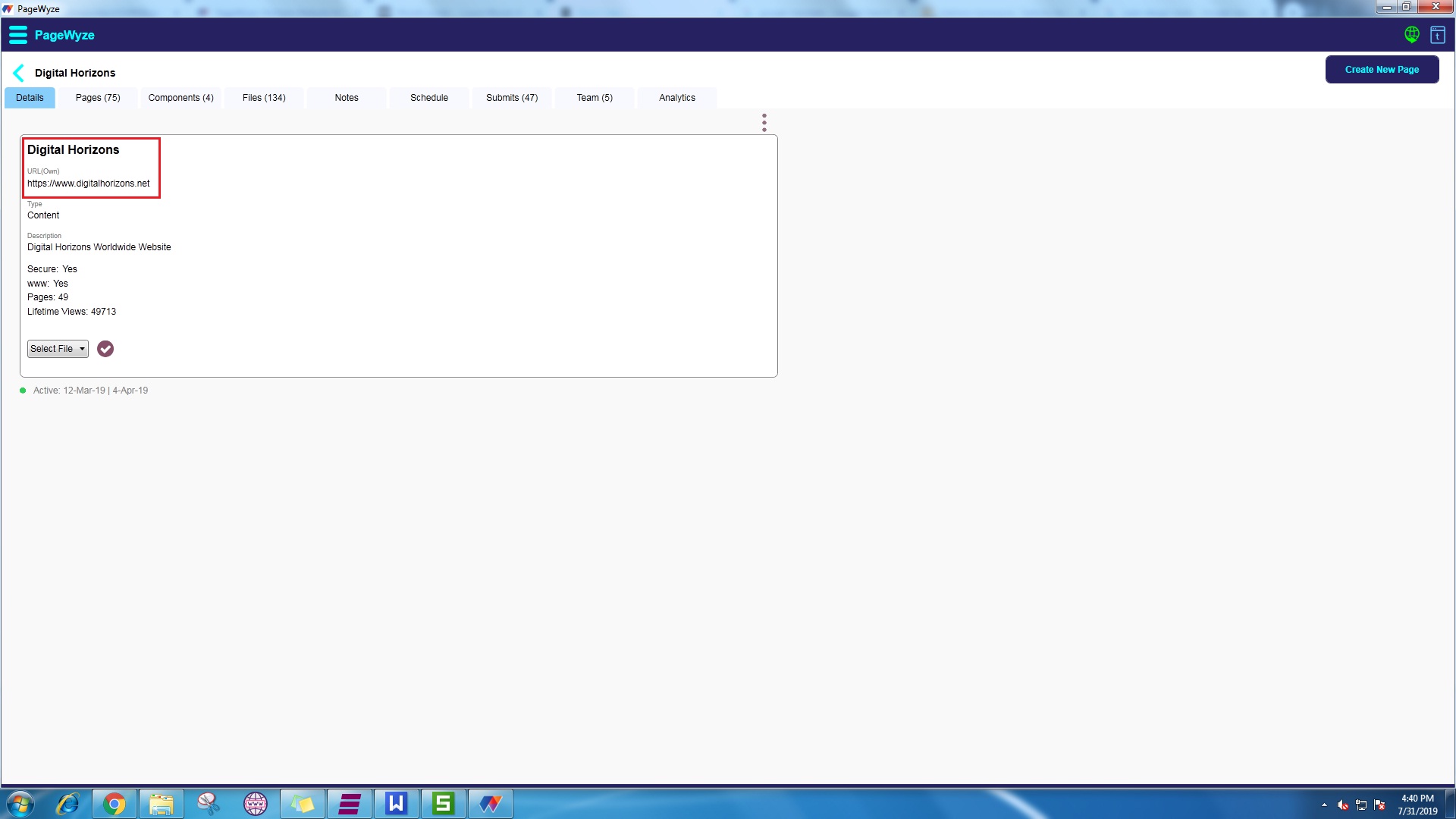
PageWyze is an enhanced website Builder software, offering high functionality to create and manage webpages with multiple team members working jointly on a single website. Multiple websites can be created and managed with PageWyze Software. And PageWyze is a quick and collaborative website editing platform to maintain and generate several websites on different servers. PageWyze is well supported to create hundreds of pages using HTML5, CSS, and javascript.

Benefits of PageWyze –
 Efficient software
 All in one Website Builder Platforms, no limit to add multiple websites
 Upload unlimited file or images
 Streamline and manage the SEO works for multiple from one tool.
 Analyze your website with PageWyze’s analytics tool

I hope my own search and the answer, will lead you to the best HTML website builder Software available. Click here to Install it.